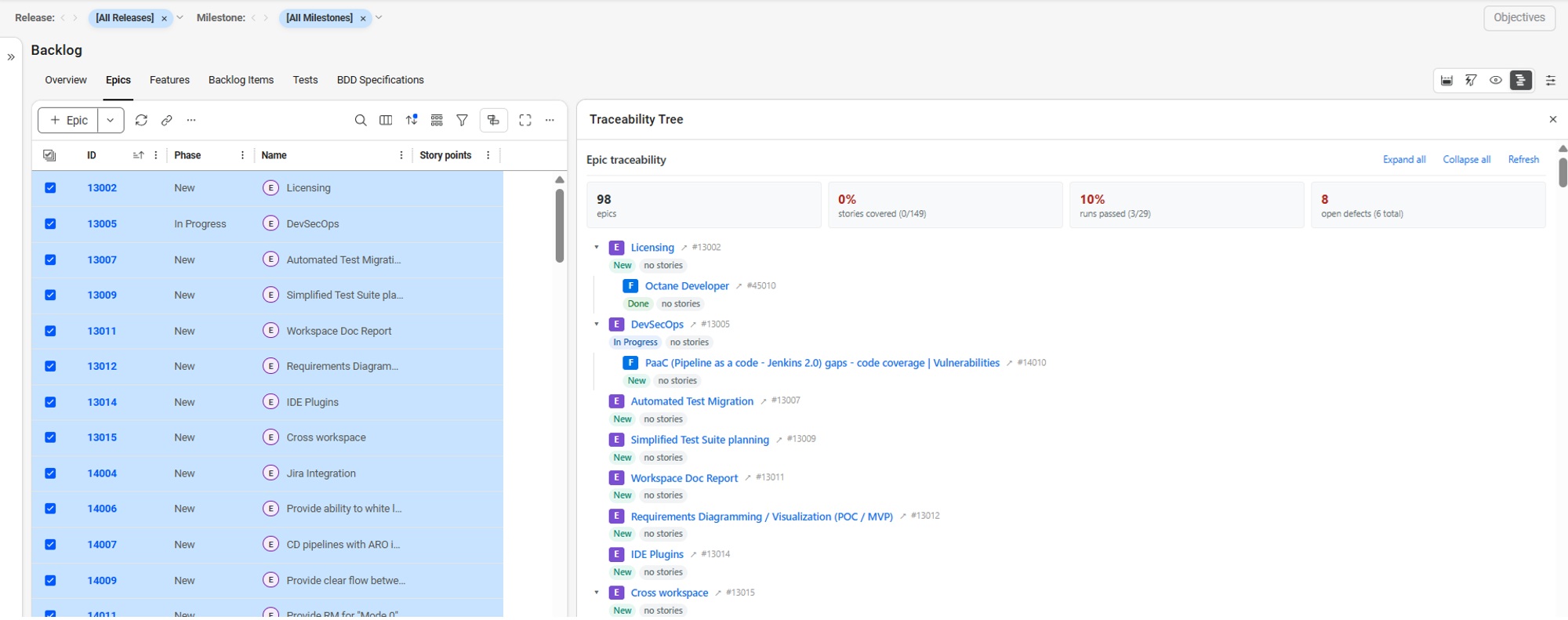
You know what would make your team faster in Core SDP: a sidebar panel that surfaces related defects, a button that pushes a story straight into your pipeline, a full-page board that tracks sprint velocity. Normally that means finding a developer, writing a spec, and waiting for a release cycle.
SDP Plugin Generator — build Core SDP sidebars and external actions by describing them
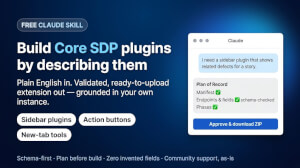
SDP Plugin Generator is a free Claude Skill that generates production-ready sidebar extensions and external action buttons for OpenText Core Software Delivery Platform (Core SDP). Describe what you need in plain English — Claude designs it, builds it, and hands you a ZIP you can upload to your Core SDP instance.
No waiting for a release cycle. No spec-writing marathon. Someone on your team asks; Claude builds.
What you can build
- Sidebars — panels that surface related items (defects, tests, requirements, dependencies) next to the entity you are viewing. Generated packages follow the Core SDP sidebar extension format described in the official documentation: External actions: sidebars
- External actions (buttons) — one-click actions on an entity that push an item to another tool or run a custom workflow. Generated packages follow the Core SDP external action button format described in the official documentation: External actions: buttons
- New-tab plugins — full-page tools such as boards, importers, editors and overview screens
Read the two reference pages above to see how Core SDP deploys sidebars and external actions; the skill takes care of building the package for you.
Why it fits your system
- Schema-first, zero invention. A one-time, read-only script run in your browser captures the real entities, fields and endpoints of your instance. The skill then refuses to generate anything not confirmed in that schema, so the result matches your configuration instead of a generic template.
- Plan before build. Every request starts with a Plan of Record — manifest, endpoints, fields and phases — that you approve before any ZIP is generated.
- Built-in validation. A schema-driven build script checks the manifest and package, and generated code follows a library of 100+ proven patterns drawn from dozens of real-world plugins.
- Safe by design. The introspection script is plain, unminified JavaScript, same-origin and read-only, with zero external network calls. You can review it before you run it.
- Consistent look and feel. Generated plugins follow a shared design system and icon set so they blend into the Core SDP interface.
How it works
- Add the skill folder (or ZIP) to your Claude environment.
- Run the introspection script once in your Core SDP browser console and send the resulting JSON file to Claude.
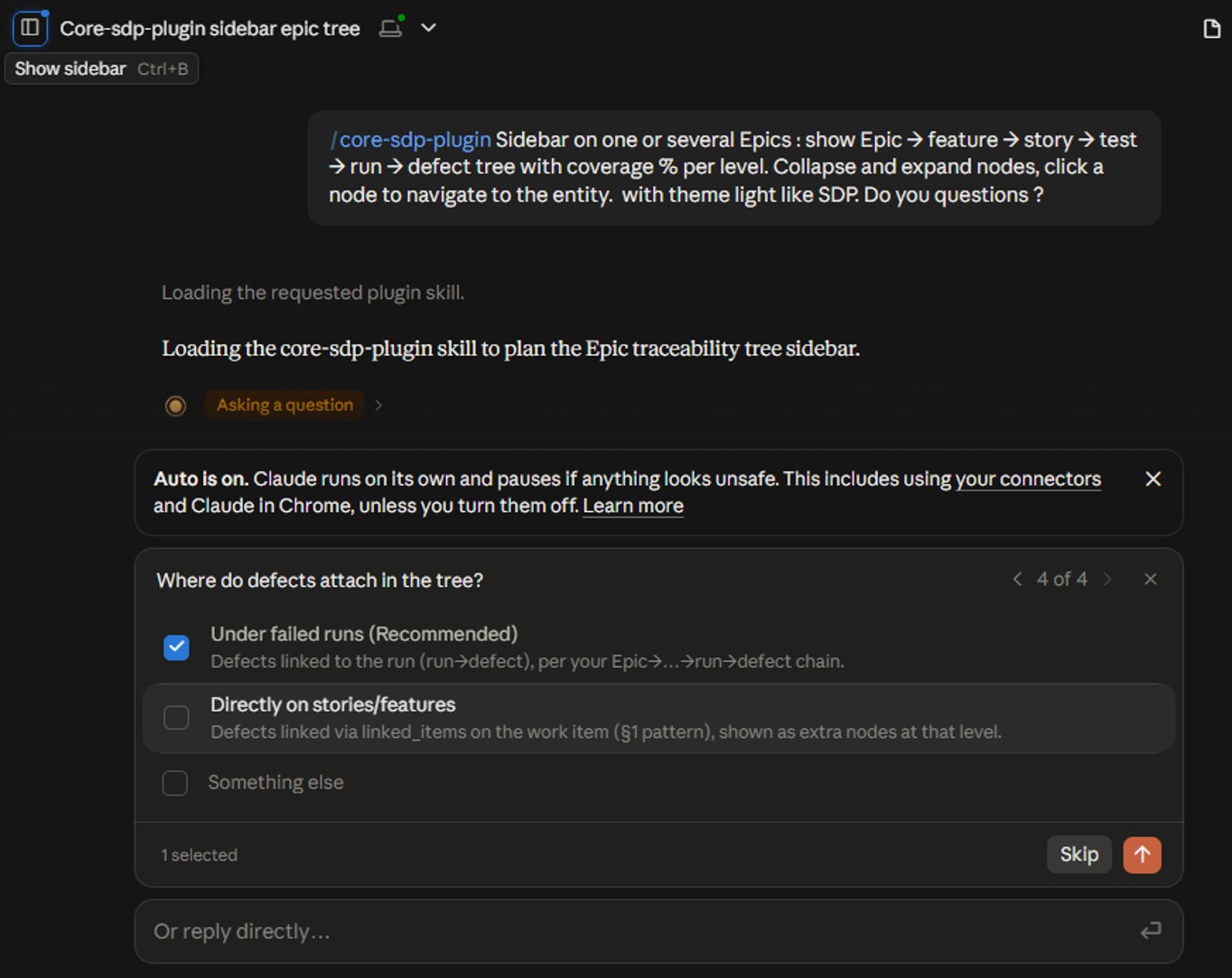
- Ask for what you want, for example: "I need a sidebar that shows related defects for a story" or "I need an external action button that sends a story to our pipeline."
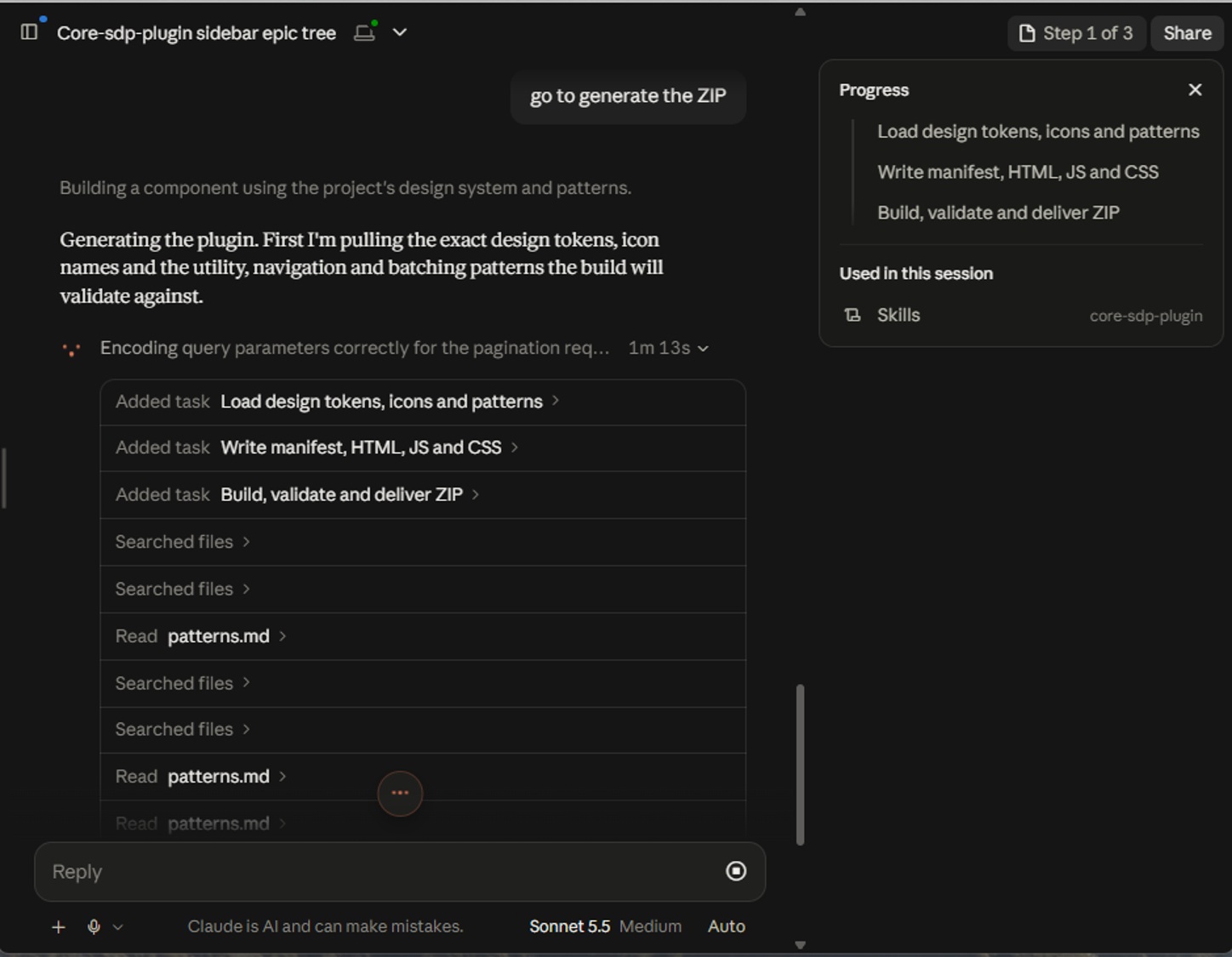
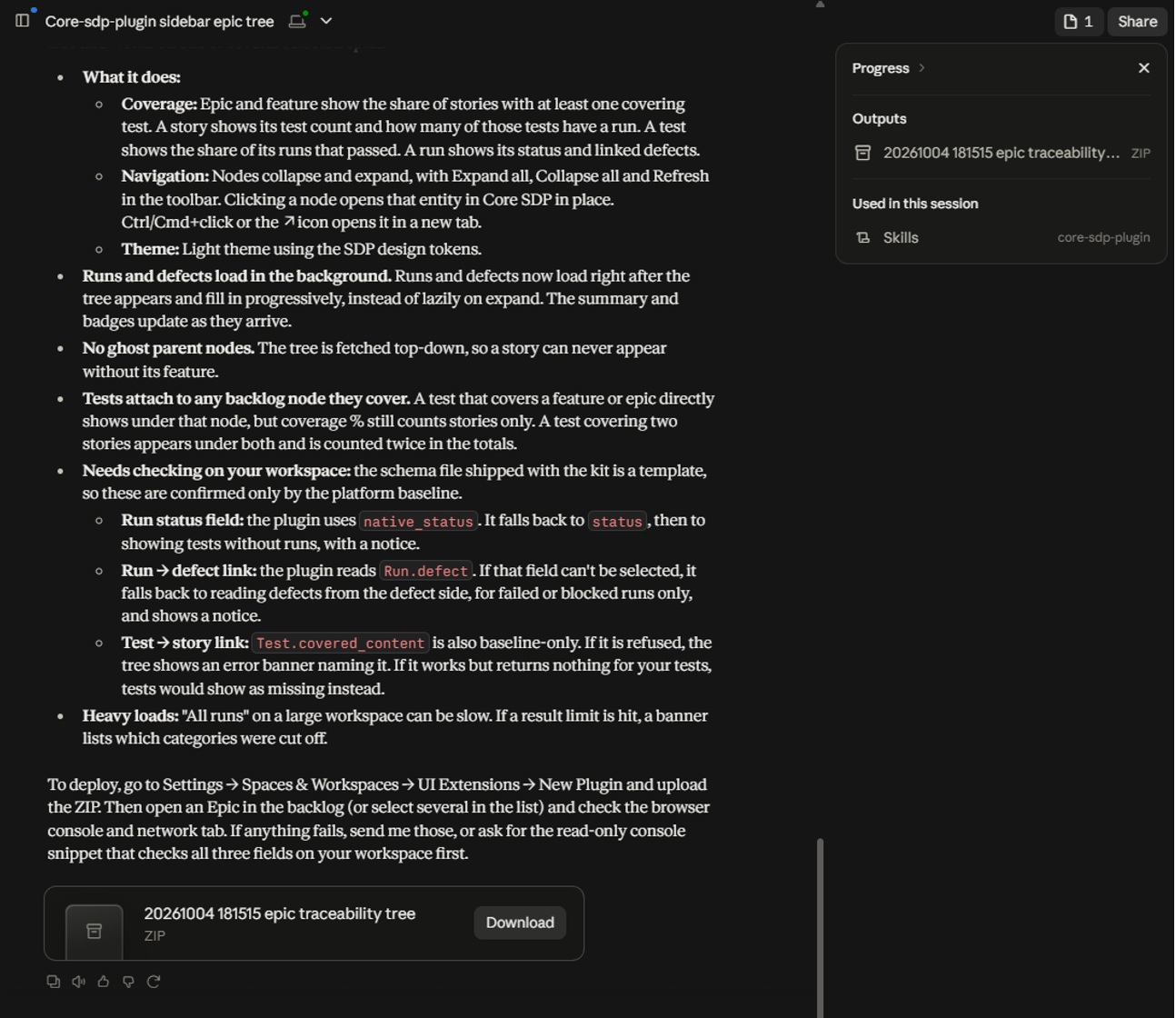
- Review and approve the plan, then download the generated ZIP.
- Test it, security-review it, and upload it to Core SDP.
⚠️ Provided as-is. No warranty. No liability. Everything in this kit — generated code, the Claude skill is a free, community-support kit, not a certified or supported product. We are not responsible for any damage, data loss, security issue, or other outcome from using, adapting, or deploying anything here. You are solely responsible for reviewing, testing, and security-validating any code from this kit before it touches a production Core SDP instance. See Support and usage terms below for the full terms.Customize Core SDP — no coding required
NOTICE:
1) By downloading this content you agree to Marketplace Terms of Service and to Opentext EULA and/or Cloud General Terms and Conditions, as applicable. (https://www.opentext.com/agreements)
2) This plugin is provided solely as a pre-release software.

 265 items
 3 item
 31 item
 90 item
 54 item
 96 item
 16 item
 142 item
 7 item
 10 item
 6 item